
How can I receive my next order sooner?Updated 8 months ago
Need your next order a little earlier? You’ve got two easy options in your account portal to bring it forward:
🚚 Order now
Want your next order right away?
This option will process and bill your next delivery immediately, and your future subscription dates will adjust automatically to reflect the change.
Here’s how:
Log into your account
Click “Get now”
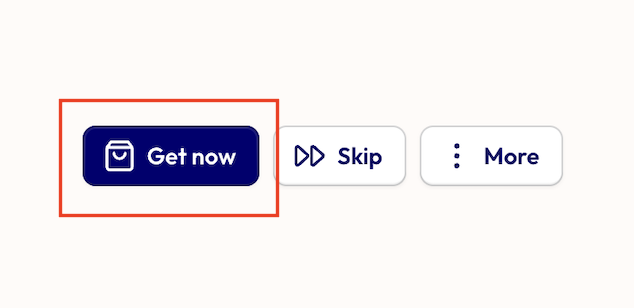
A pop-up will appear — click “Get now” again to confirm
And that’s it! Your order will be processed right away and on its way to you shortly. 🚚
📅 Set a new order date
Prefer to choose a specific future date (without billing today)?
You can use the “Next order date” option to select a more convenient delivery date without processing it straight away.
Here’s how:
Click “More” and select “Next order date” from the dropdown
Choose your preferred date from the calendar pop-up
Click Confirm
Your new shipping date will appear at the top of your subscription dashboard, and future orders will automatically follow this updated schedule.
Need a hand or have any questions? Reach out to our team — we’re always happy to help 💛