
Can I review my order history?Updated 8 months ago
Yes — you can view all past orders in just a few clicks.
Log in to your account dashboard
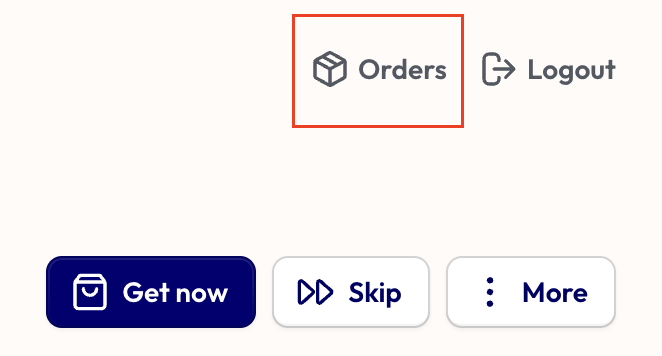
In the top right corner, select “Orders”
From there, you’ll see details for each order, including:
Order number
Date placed
Quantity
Shipping costs
Any discounts applied
Total amount paid
To return to your main account page, just scroll to the top and click the Back button in the top left corner.
Need help or can’t find what you’re looking for? Get in touch — we’ll be happy to help 💛